
Ever wonder if your phone can pay faster than your wallet? It’s true, contactless payment apps are changing the way we spend every day. With a simple tap-to-pay, you can breeze through checkout in seconds, skipping long waits.
Imagine standing at the counter, tapping your phone, and having your payment done almost instantly. These apps keep your details safe by quickly scrambling codes, so you get both speed and security.
In today’s fast-paced world, when every second counts and keeping your data secure is a must, these apps offer an easy, reliable way to pay wherever you are. Let’s dive into how this magic happens and why it’s so exciting.
Why Contactless Payment Apps Are Essential for Secure, Fast Transactions
Contactless payment apps have totally changed the way we pay. They give you a secure, speedy, and convenient way to handle purchases without reaching for your wallet. You store your payment info right on your phone, so a quick tap completes your transaction in just seconds. NFC technology works in a small range of about 1.5 inches, allowing you to pay smoothly whether you’re in a store or shopping online.
Mobile checkouts cut waiting time and make everyday transactions a breeze. Many apps include extra security steps like a PIN or even fingerprint checks. This means that whether you’re at a busy mall or a quiet market, you can trust these apps to protect your money.
Here’s a neat fact: after a simple tap, your payment data is switched to a temporary code that hides your real details. With support on both Android and iOS, these apps work almost anywhere. Their speed, simplicity, and strong security make them a must-have tool for anyone looking to manage spending safely. Give them a try and enjoy a smoother way to pay.
How Contactless Payment Apps Work: NFC, Tokenization, and Encryption
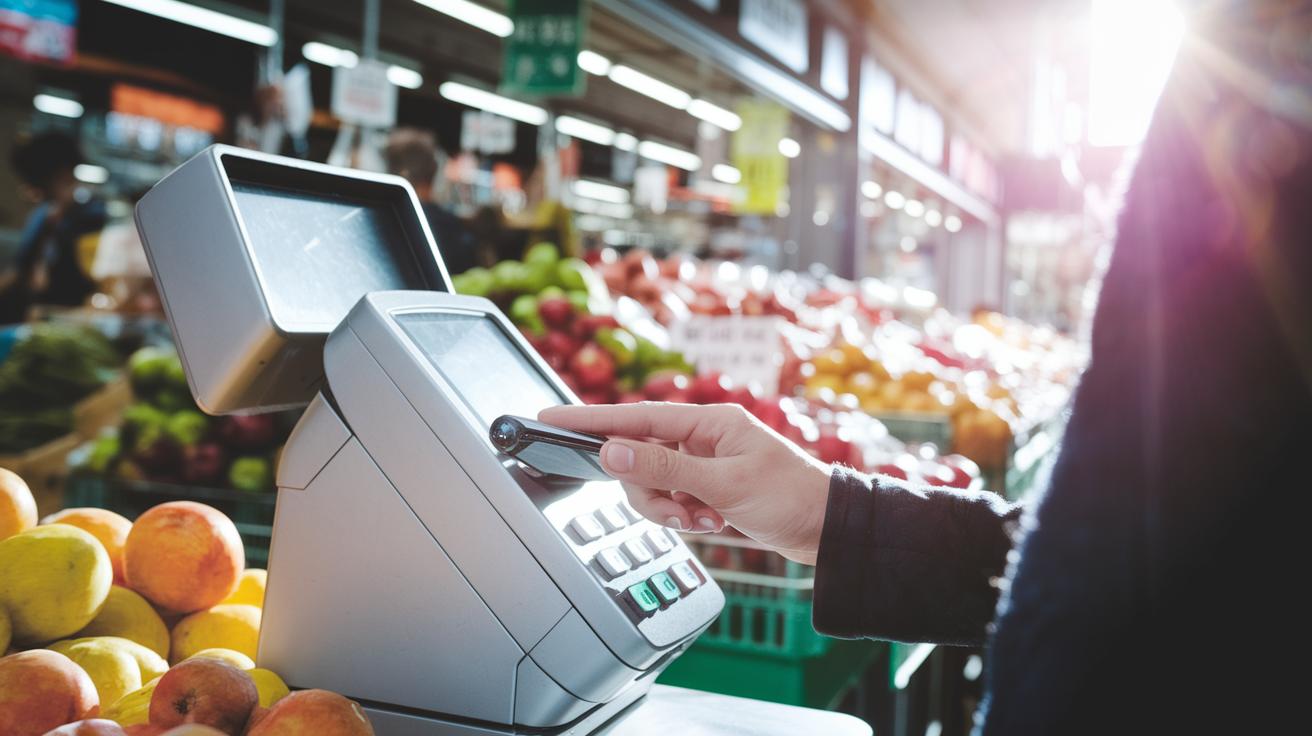
When you tap your phone at the checkout, it uses near field communication, or NFC, to send your payment info over a very short distance, about 4 centimeters. It’s a bit like your phone whispering a secret directly to the terminal.
You start by unlocking your phone and opening your digital wallet. Once it’s ready, the app kicks into tap-and-pay mode and creates a one-time token that stands in for your real card number. This token is used just once, which means your actual card details aren’t sent along, keeping your info safe even if it were intercepted.
Immediately, the payment data gets scrambled through encryption so that only the right terminal can read it. Think of it as a protective shield, guarding your details every step of the way. Some apps, like Samsung Pay, even bring an extra trick to the table with Magnetic Secure Transmission, which mimics a traditional swipe for older terminals.
Every tap-and-pay transaction layers on multiple security measures, from verifying your device to replacing your card number with a token and encrypting the data. All of these steps work together to make everyday purchases feel fast, secure, and easy.
Top Contactless Payment Apps and Best Mobile Wallets for 2024
Apple Pay sits at the top, blending smoothly with your iPhone and Mac. It makes paying in stores or online a snap. Just imagine pulling out your phone at a busy market and finishing your purchase in a flash. Your payment info stays safe on your device, so every tap is both quick and secure.
Google Pay, once known as Android Pay, is another strong contender. It works with NFC (a tech that lets your phone chat with payment terminals) at most big stores. And it doesn’t just handle tap-to-pay; it also lets you send money to friends or family in a blink. Think about splitting a bill effortlessly after dinner, all with a simple tap.
Samsung Pay brings a cool twist by supporting both NFC and MST (a method that works with older magnetic stripe readers). Even if a shop hasn’t updated its tech, Samsung Pay still gets the job done. Plus, it has a rewards program built in, so you’re earning bonus perks as you pay.
Cash App by Square is extra flexible. It links to your debit card and even handles Bitcoin transactions if that’s your thing. On top of that, you can use an alias for payments, adding an extra layer of privacy for those who need it.
Other apps like PayPal and Venmo round out the list with a social touch. They let you send money easily and split bills, making them some of the best mobile wallets around. Each of these apps offers unique features designed to fit different needs and devices, giving you plenty of choices to suit your style.
Comparing Features of Leading Contactless Payment Apps

If you're checking out contactless payment apps, you'll quickly see there are several things that matter. For example, fees can vary a lot, some apps don't charge anything while others may add a small fee for certain transactions. Also, think about your device. Some apps only work on iOS, while others welcome both Android and iOS users, making them more flexible.
Then there are other perks to consider. Reward programs, peer-to-peer transfers, offline token support, and even helpful customer service can really tip the scales. And security? Some apps use things like Face ID or Touch ID to keep your payments safe, while others offer a PIN backup to keep everyday spending easy.
| App | Fees | Supported Devices | Rewards | P2P Transfers | Security | Merchant Acceptance |
|---|---|---|---|---|---|---|
| Apple Pay | No fees | iOS only | Basic integration | Limited | Biometrics/PIN fallback | Widely accepted |
| Google Pay | No fees | Cross-platform | Some rewards | Strong | Biometrics/PIN fallback | Broad acceptance |
| Samsung Pay | No fees | Samsung devices | Robust rewards | Moderate | Advanced biometrics | New and older terminals |
| Cash App | Some fees on Bitcoin | Cross-platform | Non-traditional rewards | Strong | PIN fallback | Selective acceptance |
Taking a close look at each feature side by side can really guide you to the digital wallet that best matches your payment
Security Measures and Protocols in Contactless Payment Apps
Contactless payment apps use several layers of security to keep your transactions safe. They start with tokenization, which swaps your real card number for a one-time token that works only once. Then, AES-256 encryption wraps your details in a strong code, much like sealing your information in a secure envelope. Each device also gets a special transaction code, giving every payment its own unique lock.
Before a payment goes through, the app checks who you are with biometrics or a secure PIN. On Android, Google’s SafetyNet quietly makes sure everything is in order, while iOS devices trust the Secure Enclave to do the job. Plus, the use of emulated cards keeps your real account number hidden, so every tap feels a bit more like a safe handshake than a risky swipe.
Step-by-Step Setup Guide for Contactless Payment Apps on Your Device
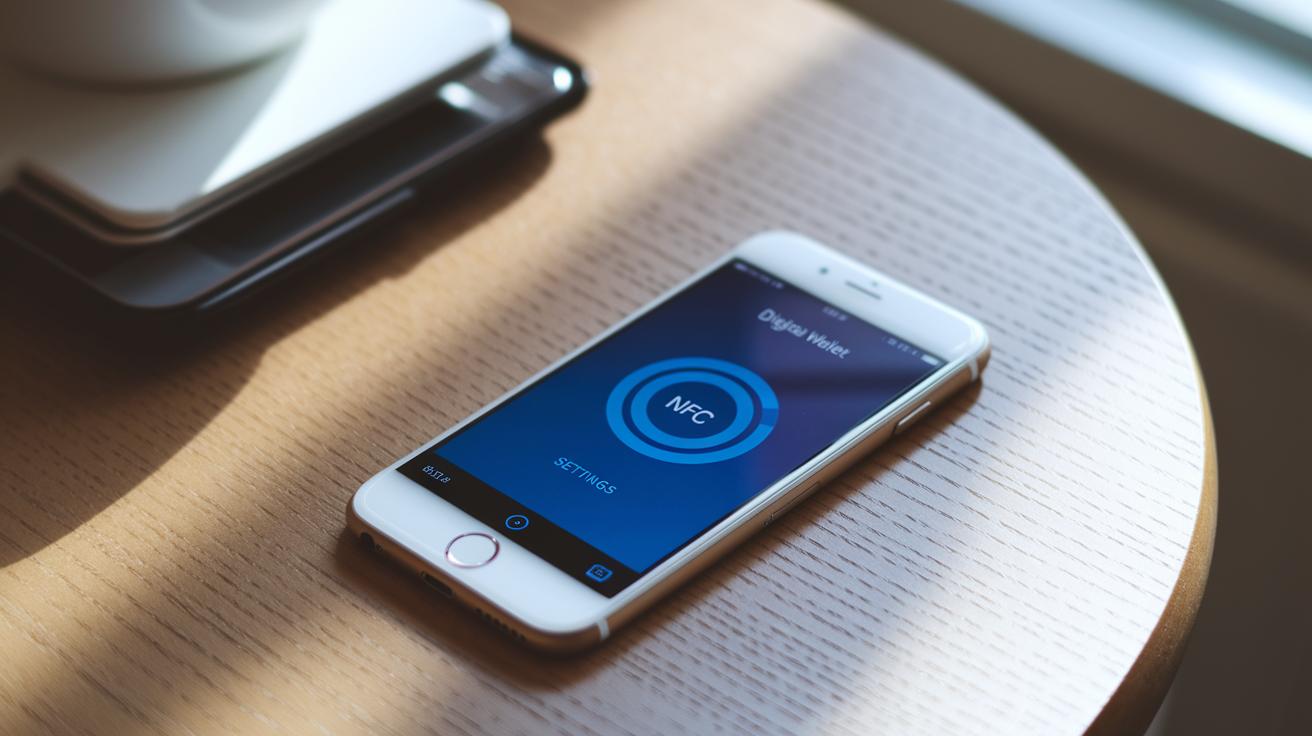
Start by downloading or opening your payment app. If you’re using Apple Pay, open the Wallet app, tap the plus sign, scan your card, and verify it with the SMS code from your bank. This quick step stores your card safely so you can easily tap to pay.
For Android users with Google Pay, head to your app store to install the app. Open it, add your card by snapping a clear picture, and complete the identity check. This simple process links your wallet so you can make tap-based payments without a fuss.
Samsung Pay takes a few extra steps. Sign into your Samsung account, scan your card when asked, and then set up fingerprint enrollment for added security. This extra measure helps keep anyone else from using your account.
Before you start paying, make sure your phone’s NFC setting is turned on. Think of it as making sure your device can “talk” to nearby payment terminals. Also, pick your preferred digital wallet as the default payment system so that your chosen app opens automatically when you tap near a terminal.
Take your time with each step, and enjoy the ease of secure, fast mobile payments.
Emerging Trends in Contactless Payment Apps and the Digital Contactless Economy
Trends in contactless payments are changing fast as digital wallets get smarter to meet today’s needs. People are loving wearable wallets on smartwatches and fitness bands, it's like carrying a tiny bank in your wrist. Transit rides and loyalty rewards are now joined together in one tap, making everyday spending feel a bit more rewarding.
Cloud-based payment systems are stepping in too, ensuring that money moves from one device to another without a hitch. Imagine watching your funds flow as smoothly as syrup on a pancake.
Soon, you might see nifty features like splitting bills with friends directly through your app, making group expenses a breeze. Gadgets are blending together; smartwatches, laptops, and even tablets are turning into mini payment tools right before our eyes.
Since concerns about germs have nudged more people toward tap-to-pay methods, digital buying trends are picking up speed all over the globe. The contactless digital economy is growing quickly, reflecting how our habits are shifting.
All in all, modern digital wallets are a hit because they deliver speed, security, and pure convenience. And with developers testing ways to make every gadget ready to pay, it might only be a matter of time before your coffee maker, or anything else you own, can handle a tap-to-pay.
Final Words
In the action, we explored how contactless payment apps make transactions fast and secure. We covered how these apps work, from NFC to tokenization, and compared top choices like Apple Pay and Google Pay in easy-to-understand steps.
We wrapped up with security tips and upcoming trends that could change how you pay. Enjoy a smoother digital payment experience that's set to boost your financial growth and stability.
FAQ
Q: What are the top contactless payment apps for Android and iPhone?
A: The top contactless payment apps for Android and iPhone include Google Pay, Apple Pay, and Samsung Pay, which offer fast, secure tap-to-pay transactions and easy setup for everyday purchases.
Q: Are there free contactless payment apps and a list of payment apps available?
A: The free contactless payment apps, such as Google Pay and Apple Pay, provide seamless transactions. A list of popular payment apps also features options like Cash App and Venmo that support secure digital payments.
Q: Can I use my phone as a contactless card?
A: Using your phone as a contactless card is possible by setting up an app like Google Pay or Apple Pay. These apps store your payment details safely for tap-to-pay transactions.
Q: Is there an app to take contactless payments, and which payment apps support NFC?
A: The need for an app to take contactless payments is met by apps like Google Pay, Apple Pay, and Samsung Pay, all of which use NFC technology for secure and quick payment transfers.
Q: What is the safest NFC payment app?
A: The safest NFC payment apps, including Google Pay, Apple Pay, and Samsung Pay, use tokenization, encryption, and biometric checks to protect your financial details during near-field transactions.