
Have you ever been taken aback by fees that chip away at your earnings? PayPal takes a portion from every sale by charging both a percentage fee and a fixed amount. This means that each time you make a sale, a slice of your revenue goes toward fees, which can really impact your pricing and cash flow.
In this article, we break down exactly how these fees work in a clear, step-by-step way. Stick with us to learn how to manage these charges effectively and keep more of what you earn.
PayPal Goods and Services Fee: Clear, Fair Charges
PayPal sets things up so sellers handle the fees on goods and services, while buyers aren’t hit with an extra charge. When you make a sale in the US, the fee comes in two parts: one part is a percentage of your sale, and the other is a fixed fee. So if you sell something for $100, you’d pay 2.99% plus $0.49. In other words, about $3.48 is taken out before the money lands in your Cash Account, bank, or on your card.
Keep in mind that fees change based on what kind of transaction it is, which currency you’re using, and whether the deal stays within the country or goes overseas. Domestic transactions usually cost less, while international sales might include extra fees for things like converting money. Simply put, the fee breaks down as follows:
- A percentage fee that’s based on how much the sale is worth.
- A fixed fee that depends on the currency, in the US, that’s $0.49.
Imagine processing a $200 sale. At 2.99%, you’d pay about $5.98, and with the extra $0.49 fixed fee, the total fee comes to nearly $6.48. Knowing how these fees work lets you adjust your pricing and manage your cash flow better. It’s all about clear, straightforward charges that help you plan each transaction with confidence.
Calculating PayPal Goods and Services Fee for Domestic Transactions

If you're selling in the US with PayPal, you'll pay a fee that includes both a percentage of the sale and a small fixed fee. Typically, the rate falls between 2.99% and 3.49% plus about $0.49 per transaction. So, if you make a $200 sale, you might see roughly $6.48 taken out. It’s pretty wild to think that a $200 sale can shrink your earnings by nearly $6.50.
Alternative Fee Structures
PayPal sets different fees depending on the type or method of your transaction. For example, charities, Virtual Terminal payments, or transactions in other currencies might have different rates.
| Type | Percentage Fee | Fixed Fee | Notes |
|---|---|---|---|
| Standard | 2.99% – 3.49% | $0.49 (USD) | For most physical goods. |
| Charities | 2.19% | $0.29 (USD) | Lower fee for charitable organizations. |
| Virtual Terminal | 3.39% | $0.29 (USD) | Includes a $30 monthly fee. |
| Foreign Currency | Variable | Varies (e.g., €0.35 for EUR) | Fees differ for non-USD transactions. |
International PayPal Goods and Services Fees and Currency Conversion
Sometimes, when you sell across borders, PayPal charges extra fees compared to domestic sales. For example, if you sell an item for £100 to a buyer in the US, you first deal with a base fee of about 2.99% plus a small fixed fee like £0.30. Then an extra fee of roughly 1.50% kicks in for handling the cross-border aspect. And because you're dealing in different currencies, PayPal adds a conversion fee, usually between 3.00% and 4.00%, to adjust from the wholesale exchange rate.
These fees show up whenever the transaction involves different main currencies or originates from different countries. So, if you're setting prices for international sales, you'll need to account for both the percentage fee and the extra conversion cost.
A UK seller once discovered that a seemingly small extra charge of 1.50% along with a few additional points of markup on currency conversion can greatly influence the final earnings.
Understanding how these fees work is really important. It helps you calculate the true cost and adjust your pricing, so you keep your profits safe even with international buyers. This knowledge lets you fine-tune your strategy and avoid any nasty surprises when your funds hit your account.
Estimating Your PayPal Goods and Services Fees with Online Tools
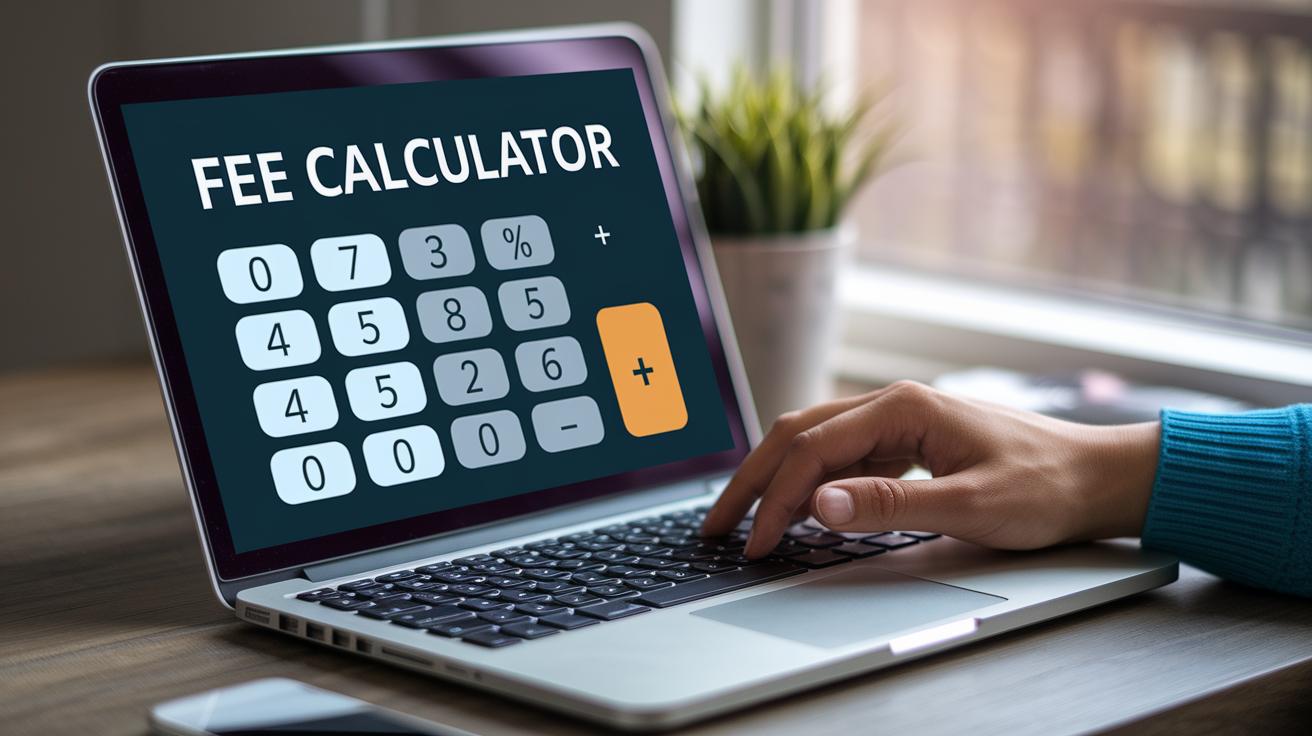
When you're dealing with online transactions, it's handy to know exactly what fees you'll face. PayPal offers a simple fee calculator that does just that, whether your sale is domestic or international. All you do is enter your sale amount, choose your currency, and select the right country pairing. For example, if you enter $150 and choose USD, the calculator shows you a clear breakdown of both the percentage charge and the fixed fee. It’s like having a friendly guide that lays everything out even before you hit send.
Other third-party tools work in a similar way. They serve as merchant fee or Euro charge calculators for non-USD transactions. These tools can help you factor in every fee when setting up your pricing or invoicing strategies. This way, you avoid unexpected dips in your profit margins and keep your business strategy on track.
Here's a quick look at how these tools work:
| Step | Description |
|---|---|
| 1 | Enter your transaction amount, currency, and country |
| 2 | Receive a detailed breakdown of both percentage and fixed fees |
Reducing PayPal Goods and Services Fees: Seller Strategies and Tips
It can feel like fees are eating into your profits, but a few smart moves can help trim those costs significantly. For instance, if you bundle several small sales into one large transaction instead of processing them separately, you'll dodge multiple fixed fees. It’s a bit like opting for bulk buying at a discount.
Another handy trick is to switch to a micropayment pricing plan when dealing with low-value sales. This plan lowers the fee rate on each sale, so when you sell something just for a couple of dollars, you’re not hit with a high fixed fee that simply doesn’t match the sale.
You might also consider encouraging customers to use fee-free funding sources. A small discount or extra bonus when they pay with their PayPal balance or linked bank account can steer them away from credit card payments, which usually carry extra charges.
If you’re processing a lot of transactions, it could be worth negotiating a custom merchant rate with PayPal based on your monthly volume. Many sellers find that this personal touch brings down the overall fee percentage by a good margin.
And there’s one more idea: try using QR codes or in-person card readers instead of sticking to traditional online methods. These options often come with lower fees for card-present transactions, which can help boost your savings even more.
Here are some easy steps to keep in mind:
| Step | Action |
|---|---|
| 1 | Group smaller transactions into fewer payments. |
| 2 | Switch to a micropayment plan for low-value sales. |
| 3 | Offer incentives for fee-free funding like PayPal balance or bank transfers. |
| 4 | Negotiate a custom merchant rate based on your transaction volume. |
| 5 | Adopt QR codes or in-person card readers to lower fees. |
In short, by taking these steps, you’re not only keeping more money in your pocket, you’re also gaining better control over your business margins and staying competitive in the market.
Handling Refunds and Reversals for PayPal Goods and Services Fee

When you issue a full refund, PayPal only gives back the percentage part of the fee and keeps the fixed fee. So if your payment has both a percentage fee and a fixed fee, only the percentage part goes back to you, while the fixed fee stays with PayPal.
To kick off a refund, just head over to your transaction details page and hit the refund button. I once issued a refund through PayPal and was a bit surprised to see how neatly the system adjusted the fee reversal all on its own. Disputes or chargebacks can sometimes trigger a fee reversal automatically, so it’s really important to keep clear records and any related messages handy.
It’s also smart to review the refund eligibility rules, especially if buyer protection is in play for issues like non-delivery or misdescribed items. Following these simple steps helps protect your earnings and ensures you've got all the right paperwork if things ever get complicated.
Monitoring PayPal Goods and Services Fee Updates and Projections
Staying on top of PayPal fees is pretty simple. Check out the official Fees page regularly to catch any updates like changes to fixed-fee amounts, new rates, and when these adjustments kick in. A handy tip? Bookmark the page so you won’t miss any tweaks in the future.
Imagine this: you’re browsing the page and notice a small change in the fixed fee. You then grab the updated fee calculator for 2024 to see how this might impact your margins in 2025. It’s an easy way to plan ahead and keep your budget in line.
Keep an eye out for official notices too. They explain when the changes start and highlight any new fee trends. With this info, you can use a fee projection tool to get a clear picture of how your costs may shift over time.
Staying current with these updates helps you fine-tune your pricing and protect your profitability. It ensures you’re always in the loop with fee regulations, keeping your financial plans on track.
Final Words
In the action, the article unpacked the basics of fee structures, from domestic calculations to cross-border fees. It broke down how sellers handle charges with real examples and smart strategies, even covering the refund process and optimizing costs. We also saw the value of using online fee calculators to keep your figures accurate. By getting a grip on these details, you can confidently manage your costs. This understanding of paypal goods and services fee can set you up for financial clarity and reward.
FAQ
How can I calculate PayPal goods and services fees using a fee calculator?
The fee calculator tool lets you enter your transaction amount, currency, and rate details to show both the percentage-based and fixed fee portions, making fee estimates straightforward.
Who pays the PayPal goods and services fee and how does it differ from payments sent through friends and family?
The fee is charged to the seller for goods and services. Unlike friends and family payments, these fees cover processing and protection features for secure transactions.
What is the PayPal Goods and Services fee and how does it work?
The fee is a charge on commercial transactions that combines a percentage-based rate with a fixed fee per sale. It supports processing security and protection benefits for both buyers and sellers.
How do international transactions affect the PayPal goods and services fee?
International transactions incur the base fee plus an extra cross-border percentage and a currency conversion charge, resulting in a higher total fee compared to domestic payments.
How do I avoid a 3% fee on PayPal?
Avoiding a 3% fee can involve using alternative funding methods like bank transfers, combining smaller payments into one, or negotiating a lower rate if your monthly volume is high.
What are PayPal fees for receiving money and what does PayPal Goods and Services Protection mean?
For receiving money on goods and services, the seller pays fees that cover processing costs and offer protection. This protection helps resolve disputes and secure both parties involved.
How much is the PayPal fee for a $1000 transaction?
For a domestic $1000 transaction at about 2.99% plus a fixed fee, the total fee is roughly $30, though the exact amount may vary with changes in fixed charges.
What insights are shared on PayPal goods and services fee topics on Reddit?
Reddit discussions reveal real-life experiences and practical tips on calculating PayPal fees, comparing transaction types, and strategies to reduce costs, offering community-based advice for sellers.